max / Instagram 下载器
安装步骤: 先安装脚本管理器,再点“安装”,最后打开脚本适用的网站。
脚本来源与更新状态
以下数据来自原始来源,与本站收到的安装请求分开统计。
原始脚本: Instagram 下载器
来源版本: 1.17.18
最近来源检查:
最近成功检查:
- 来源站日安装量
- 25
- 来源站总安装量
- 169531
- 来源站评分
- 83.6
- 本站安装请求
- 42
本站收到的请求不代表用户已完成安装。
点击安装只表示本站收到安装请求,不代表安装已完成。 安装后无法使用?查看问题反馈与排查
Instagram Download Button
Github, Greasy Fork , OpenUserJS
In the future, I will focus on fixing the bugs that happen in my environment if I have the free time
Thank you all like this script. Before the beginning of this year, I devoted significant effort to ensuring its compatibility with the most recent versions of the Instagram webpage. However, Instagram frequently modifies its front-end and distributes distinct versions of the web across various regions. It's challenging to reproduce the bug and debug it on my end. Additionally, I'm focusing on my full-time job. Therefore, as the title suggests, I will focus on fixing the bugs that I encounter if I have the free time.
Introduction
This repository is a JavaScript for Greasemonkey/Tampermonkey. This script will add a download button and open button to your Instagram and you can download or open profile pictures, media in the posts, stories, and highlights by one click.
The newer versions code only do some simple tests on Chrome. So if you have any problem, please feel free to contact me in English or Chinese and attach the detail information such as your runtime environment, IG post url, etc.
Note: This script only tests on Chrome
, Edge, and Firefoxwith Tampermonkey on Windows 10 1903 64-bit.
Caution
- Some user feedback that account be logged out when this script is enabled, please disable this script if you meet a similar issue.
- There is some feedback provided by users that Instagram will block your account for a few hours (maybe longer) if you download too much media in a short time. So please mind the download number.
- Doesn't support reels page (i.e.,
https://www.instagram.com/reels/)
Issues
- Not work in independent post (https://www.instagram.com/p/XXX/)
- Not work in multiple highlights page (independent highlights page is okay)
- Sometimes may not work on the main feed
- May be loged out when this script enabled
- May break the layout
- May not work on in private account post due to no share button
- May not work with saved posts
- May get lower resolution media
About the new url fetch method
Around May 2022, Instagram modified the web page so that some media could not be downloaded (especially Reels). From this script version 1.13, a new method of fetching media url has been added and is enabled by default (not yet applied to Story). This new method can obtain full resolution pictures (to be verified) and all media can be downloaded at present, but the disadvantage is that the speed of fetching URLs is slow (download speed has no effect) and may have some bugs. You can set disableNewUrlFetchMethod to true if you don't want to use the new method. Or you can set prefetchAndAttachLink to true in order to prefetch the URL info.
Options
This script can be configured by modifying the following constant variables in the head of this script.
disableNewUrlFetchMethod: boolean, disable new url fetch method which uses info APIprefetchAndAttachLink: boolean, attach the link into the button elements if truehoverToFetchAndAttachLink: boolean, fetch and add link when hover the buttonpostFilenameTemplate: string, naming rule for media downloading in the poststoryFilenameTemplate: string, naming rule for media downloading in the storyreplaceJpegWithJpg: boolean, replace.jpegwith.jpgif true
Naming Template
%id%: the poster id%datetime%: the media upload time, see next section for the datatime format%medianame%: the original media file name%postId%: the post id%mediaIndex%: the media index in multiple-media posts%ext%: the file extension of media
Datetime Template
%y%: year (4 digits)%m%: month (01-12)%d%: day (01-31)%H%: hour (00-23)%M%: min (00-59)%S%: sec (00-59)
Shortcut Keys (May not work in newer versions)
Alt+i: Open the media in the new tabAlt+k: Download the mediaAlt+j: Next media in the multiple media postAlt+l: Previous media in the multiple media post
The shortcut keys do not work on the Instagram main page currently
Contributors who aren't listed in the GitHub contributors list (sort by contribution time)
Preview
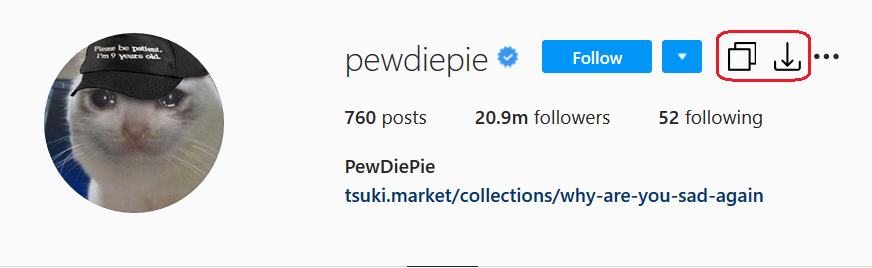
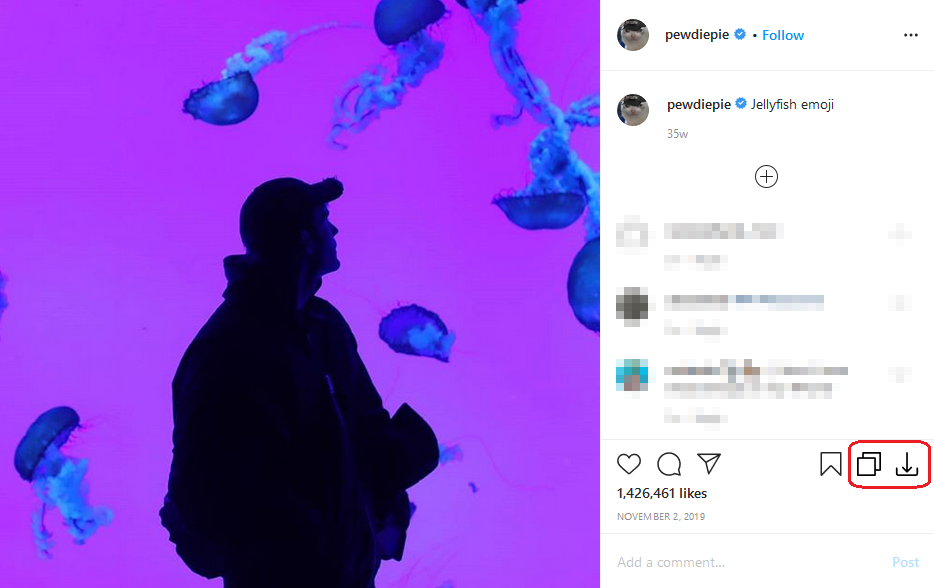
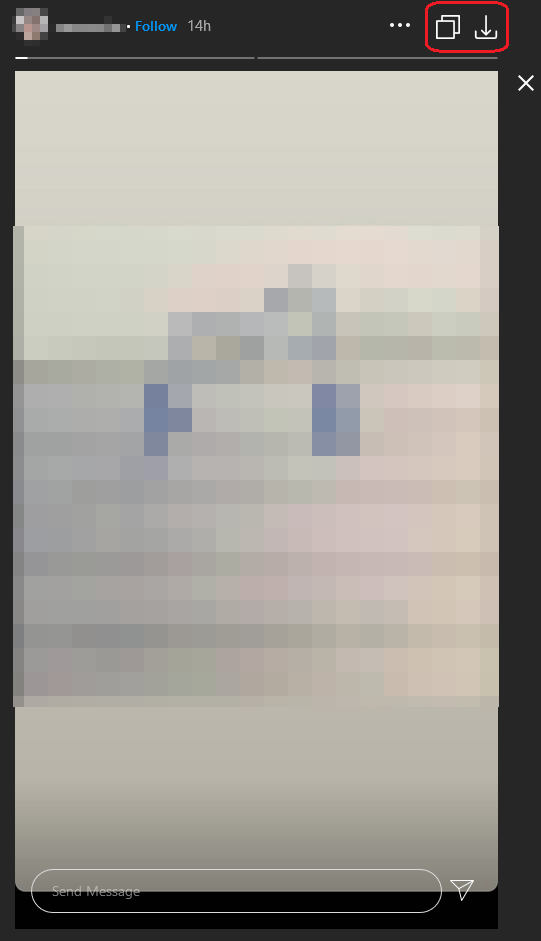
License
评分: 83.6