max / Greasy Fork++
安装步骤: 先安装脚本管理器,再点“安装”,最后打开脚本适用的网站。
脚本来源与更新状态
以下数据来自原始来源,与本站收到的安装请求分开统计。
原始脚本: Greasy Fork++
来源版本: 3.4.1
最近来源检查:
最近成功检查:
- 来源站日安装量
- 0
- 来源站总安装量
- 0
- 本站安装请求
- 0
本站收到的请求不代表用户已完成安装。
点击安装只表示本站收到安装请求,不代表安装已完成。 安装后无法使用?查看问题反馈与排查
Greasy Fork++
Please make sure you install the script from greasyfork.org, not fake sites.
GreasyFork++ GreasyFork
- This Userscript is based on Greasy Fork+ v2.0.6
- The aim of creating this userscript is to resolve all outstanding issues since the last update on 2022.07.09 made by iFelix18
Credit to iFelix18 GitHub
Features
Greasy Fork+:
- Hide blacklisted scripts (press Ctrl + Alt + B to show again), based on one or more of the following lists:
- Non-Latin: This list blocks all scripts with non-Latin characters in the title/description
- Blacklist: A "non-opinionable" list that blocks all scripts with emoji in the title/description, references to "bots", "cheats" and some online game sites, and other "bullshit"
- Custom Blacklist: Personal blacklist defined by a set of unwanted words
Greasy Fork++:
- those install buttons added by Greasy Fork++ is
no-cache - refresh install button label after clicking
- UI improvement for library script page
- click to select library script @require url
- changed install button to copy url button for library (reference script)
- Show counting of additional info in script update textarea
- UI improvement to
Greasy Fork Enhance - Flat Layout
Major Changes in 3.0.0
- Disabled
NonLatinby default. This totally affects non-English users to use this script at the first time. - Removed the dependency of jQuery
- (this is insane to use jQuery and async await on the same time!)
GM_setValue and GM_getValue which are totally unused and obsoleted. - (previously, it made the server response 503)
(it shall update if the user click on the install button, but right now just do like this)
@violentmonkey/shortcut to 1.3.0white-space:nowrap to block button (to avoid long script name split the button icon and button text)3.0.1 ~ 3.0.11
- Bug Fix & Code Tidy Up
- Added Language Support - Traditional Chinese, Japanese, Korean
- Upgraded dependency
@sizzlemctwizzle/GM_configto 2023.06.04 - Minor Adjustment on Setting Popup Styles
- Fixed Shortcut keys for MacOS
- Added
firstUseto show the settings dialog when the user first installs the script.
3.1.0 ~ 3.1.4
- Fixed
@inject-intotocontent. This is incorrect since Greasy Fork+ 1.0.0. - Fixed the incorrect RegExp strings
- Fixed the incorrect css rules
3.2.0 ~ 3.2.8
- Bug Fix & Performance Enhance
3.2.9 ~ 3.2.28
- Update to [email protected]+
- Added Length Hint for Additional Info TextArea
3.2.29 ~ 3.2.34
3.3.0 ~ 3.3.1
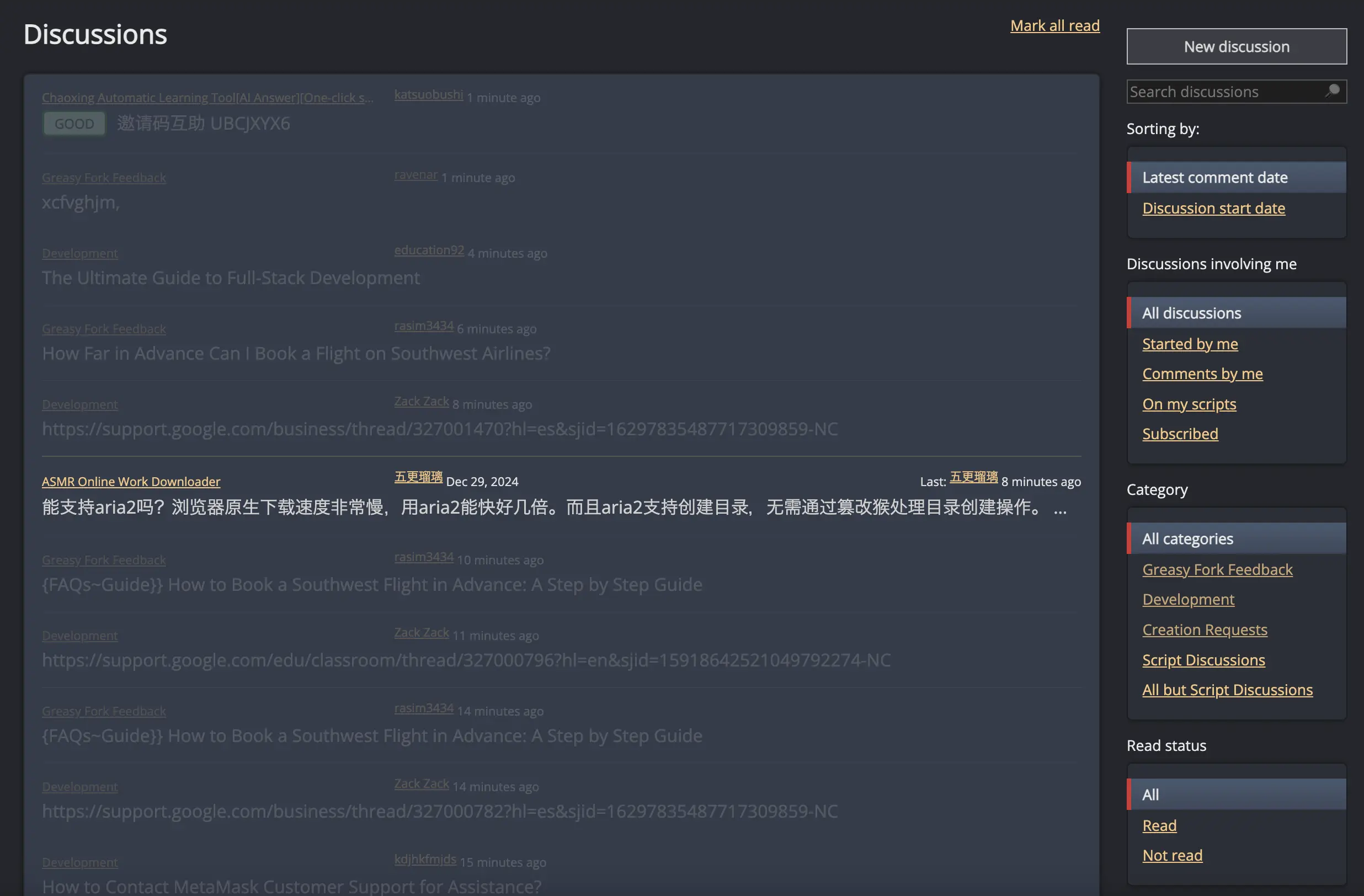
- Added Recent Users Discussion Filter (New Registration Users within N hours)
- Fixed custom blacklist filtering (space bug)
- Added custom blacklist RegEx Filtering
Related Scripts
Custom BlackList RegEx Filtering
It supports both plain text and RegEx filtering for blocking content appeared in script title or script description.
Filtering Methods
1. Plain Text (Case-insensitive)
- Syntax:
baidu, google fonts - Behavior:
- Matches words exactly, ignoring case (e.g.,
BaiduandGOOGLE FONTS).
2. RegEx Filtering
- Syntax:
twitter, re/(baidu|google\sfonts)/i - Behavior:
- Matches a simple word (e.g.,
twitter) or a pattern (e.g.,re/(baidu|google\sfonts)/ifilters "baidu" or "google fonts" case-insensitively).
3. Sub-conditions
- Syntax:
re/bot/i re/hack/i, game - Behavior:
- Each condition is evaluated separately. If any match is found (for instance, text containing both any variant of "bot" and "hack", or "game"), the content is blocked.
Implementation Notes
- Case-insensitive Matching:
Both plain text and RegEx (withiflag) ignore case. - RegEx Format:
Usere/<pattern>/<flags>. In RegEx flags,ifor case-insensitive andufor unicode > 65535 (such as emojis). - Sub-conditions:
Sub-conditions are space-separated in RegEx format, meaning all conditions must be met to block content. For example,re/bot/i re/hack/iblocks content only if it contains both a variant of "bot" (e.g.,Bot,BOT) and a variant of "hack" (e.g.,Hack,HACK).
Hide Recent Users' Discussions
- Default is 0 (Disabled)
- Suggestion Value: 48 (48 hours)
- Assume the spam will be removed within 48 hours.
评分: 0