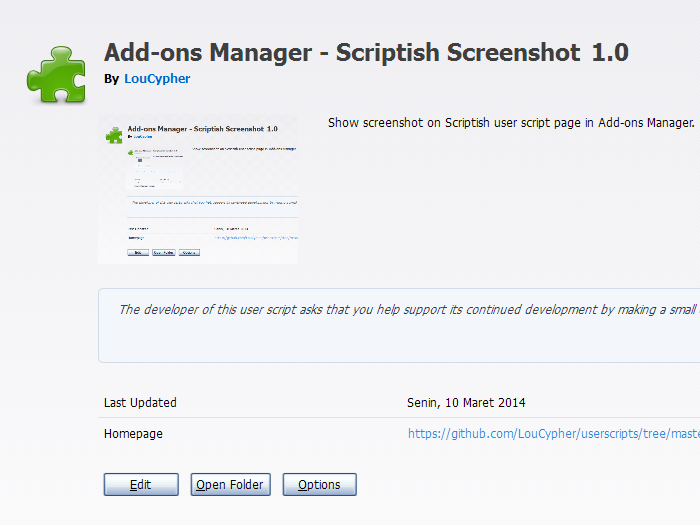
max / Add-ons Manager - Scriptish Screenshot
安装步骤: 先安装脚本管理器,再点“安装”,最后打开脚本适用的网站。
脚本来源与更新状态
以下数据来自原始来源,与本站收到的安装请求分开统计。
原始脚本: Add-ons Manager - Scriptish Screenshot
来源版本: 1.0
最近来源检查:
最近成功检查:
- 来源站日安装量
- 0
- 来源站总安装量
- 0
- 本站安装请求
- 0
本站收到的请求不代表用户已完成安装。
点击安装只表示本站收到安装请求,不代表安装已完成。 安装后无法使用?查看问题反馈与排查
Notes
This will only work if the user script has @screenshot metadata.
If you'd rather use Stylish, use this CSS code:
@namespace url(http://www.mozilla.org/keymaster/gatekeeper/there.is.only.xul);
@-moz-document url(about:addons),
               url(chrome://mozapps/content/extensions/extensions.xul){
  #detail-view[type=userscript] #detail-screenshot[width=null][height=null]{
    min-width: 200px;
    min-height: 150px;
  }
}
Compatibility
Firefox 24+ or compatible with Scriptish 0.1+.
Screenshot
评分: 0