max / Add-ons Manager - Scriptish Screenshot
Install steps: Install a userscript manager, select Install, then open a website matched by the script.
Source and freshness
The following figures come from the original source and are separate from activity on this site.
Original script: Add-ons Manager - Scriptish Screenshot
Source version: 1.0
Last source check:
Last successful check:
- Source daily installs
- 0
- Source total installs
- 0
- OpenUserJS install requests
- 0
Requests received by this site are not proof that a user completed installation.
Clicking Install records a request on this site; it does not confirm installation. Not working after install? View troubleshooting and issues
Notes
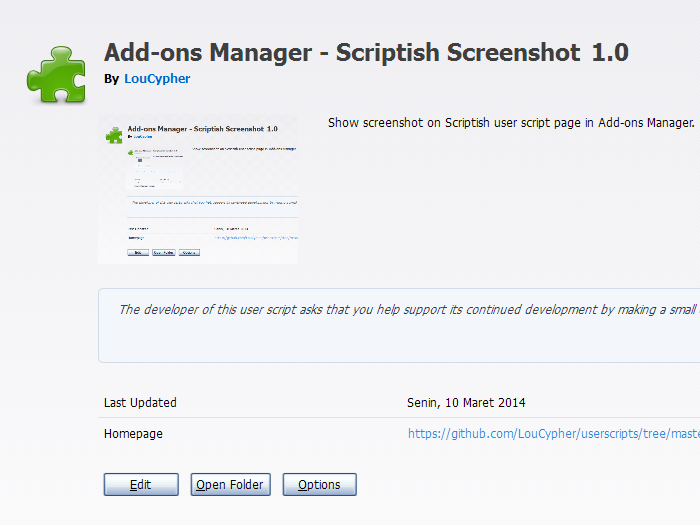
This will only work if the user script has @screenshot metadata.
If you'd rather use Stylish, use this CSS code:
@namespace url(http://www.mozilla.org/keymaster/gatekeeper/there.is.only.xul);
@-moz-document url(about:addons),
               url(chrome://mozapps/content/extensions/extensions.xul){
  #detail-view[type=userscript] #detail-screenshot[width=null][height=null]{
    min-width: 200px;
    min-height: 150px;
  }
}
Compatibility
Firefox 24+ or compatible with Scriptish 0.1+.
Screenshot
Ocjena: 0