max / 天翼云盘助手
Install steps: Install a userscript manager, select Install, then open a website matched by the script.
Source and freshness
The following figures come from the original source and are separate from activity on this site.
Original script: 天翼云盘助手
Source version: 2.1.13
Last source check:
Last successful check:
- Source daily installs
- 0
- Source total installs
- 0
- OpenUserJS install requests
- 0
Requests received by this site are not proof that a user completed installation.
Clicking Install records a request on this site; it does not confirm installation. Not working after install? View troubleshooting and issues
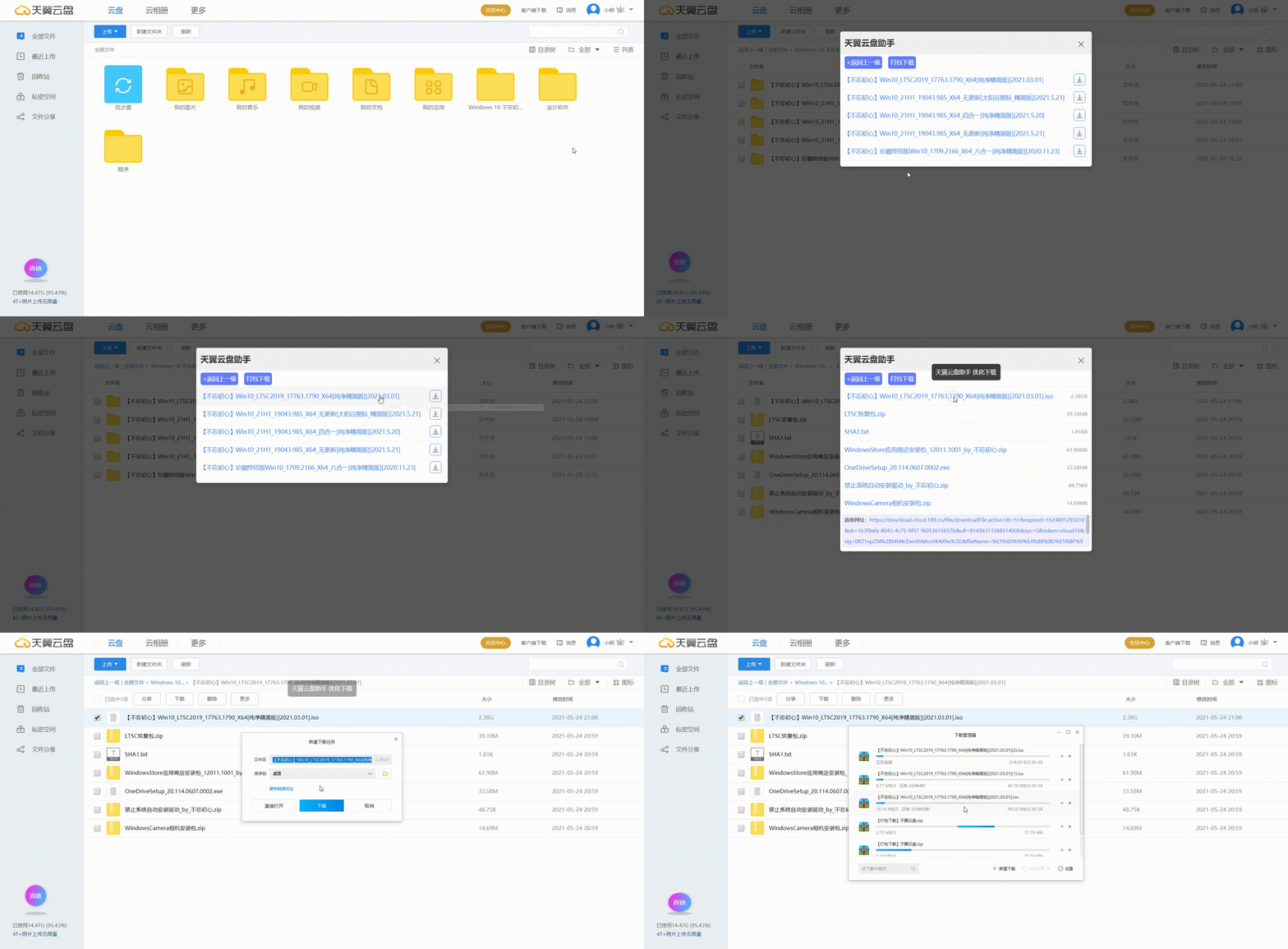
天翼云盘大文件免客户端下载、文件夹打包下载,支持2021年6月份改版后的天翼云盘。
主要功能
- 超大文件免客户端下载
- 文件夹打包下载
- 同时选择多个文件打包下载
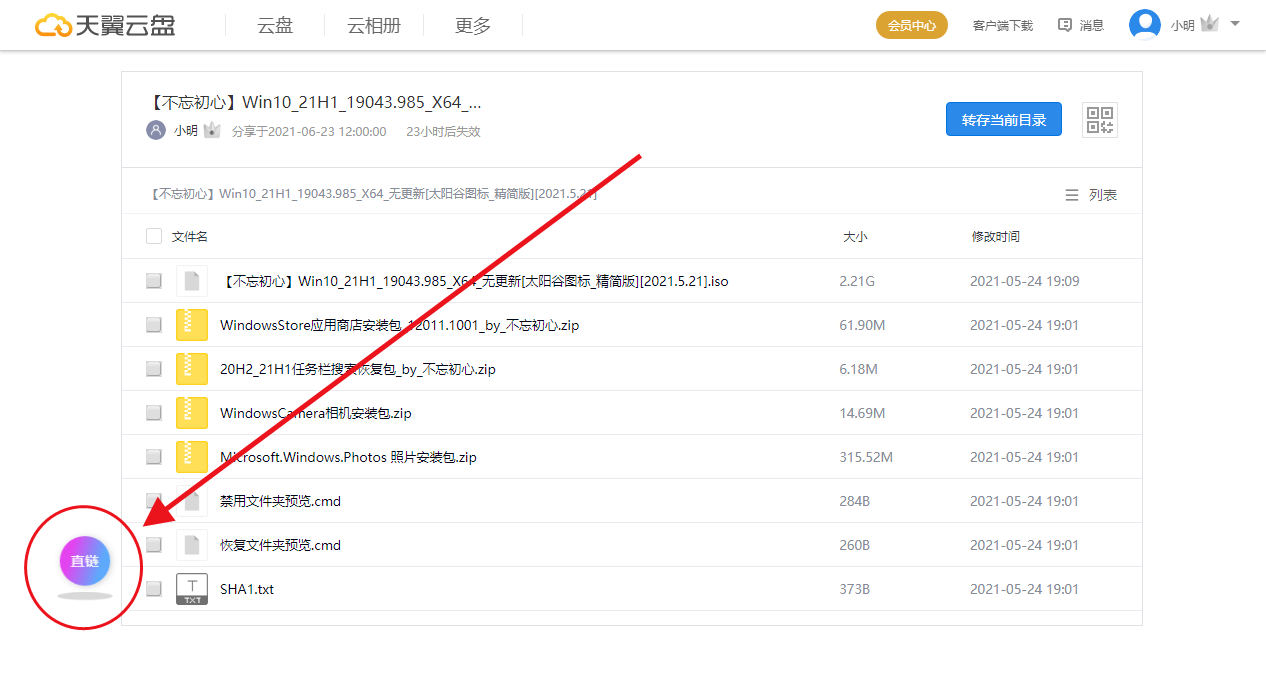
- 分享页面自动隐藏讨厌的“试试转存到云盘”云朵提示。
更新说明
v1.0.9 修复 Tampermonkey猴油不兼容问题(程序是在暴力猴环境写的,没考虑兼容性问题)。
v2.0.1 天翼云盘在2021年6月份改版了,本次更新是为了适配新版天翼云盘。
v2.0.5 文件列表增加点击文件名下载文件。
v2.0.19 分享页面自动隐藏讨厌的“试试转存到云盘”云朵提示。
v2.0.20 增加未登录帐号时,提示:“请登陆后操作”。
v2.0.24 增加文件夹打包下载功能
v2.1.0 增加多文件免客户端下载功能
v2.1.7 修复单文件分享下载问题
v2.1.8 更新文件下载方式
v1.1.13 修复分享页打包下载成空压缩包问题


Derecelendirme: 0