max / GreasyFork Premium
Install steps: Install a userscript manager, select Install, then open a website matched by the script.
Source and freshness
The following figures come from the original source and are separate from activity on this site.
Original script: GreasyFork 高级版
Source version: 1.4.1
Last source check:
Last successful check:
- Source daily installs
- 0
- Source total installs
- 0
- OpenUserJS install requests
- 0
Requests received by this site are not proof that a user completed installation.
Clicking Install records a request on this site; it does not confirm installation. Not working after install? View troubleshooting and issues
GreasyFork Premium






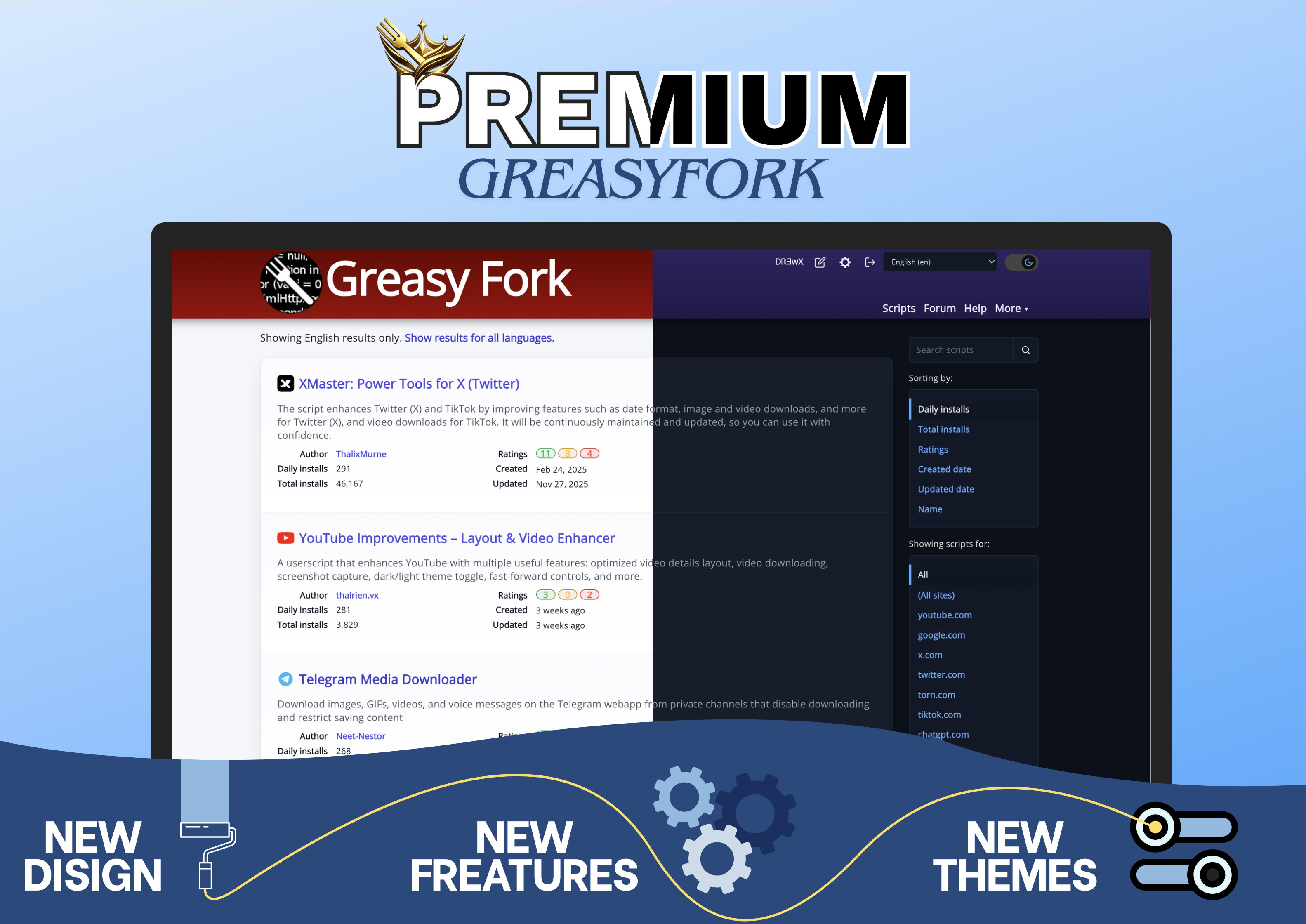
GreasyFork Premium 通过现代化界面、更流畅的导航以及直接集成到网站中的实用工具,提升 Greasy Fork 和 Sleazy Fork 的使用体验。
目标很简单:让脚本的搜索、安装、管理和浏览变得更快速、更舒适。
主要功能
- 直接在脚本卡片中一键添加或移除收藏
- 更快速、更直观的收藏管理
- 直接安装按钮,无需打开脚本页面即可安装脚本
- 直接在脚本卡片中预览重要信息
界面与体验
- 更加现代且易于阅读的界面
- 提供 Classic、Chalkboard 和 Full Dark 主题,并支持跟随系统主题
- 可调整显示密度,以显示更多或更少的内容
- 适配桌面和移动设备的响应式界面
- 支持 Greasy Fork 和 Sleazy Fork
智能导航
- 通过脚本图标更快速地识别脚本
- 工具栏可快速访问主要操作
- 可折叠侧边栏,释放更多显示空间
- 快速跳转到页面顶部或底部
- 移动端可通过触控手势打开或关闭侧边栏
编辑与讨论
- 用于评论和讨论的增强型编辑工具栏
- 快速插入标题、链接、图片、引用、列表和代码块
- 帮助更快速地编写和格式化内容的工具
图片查看
- 在集成式图片查看器中打开图片
- 桌面端和移动端均支持缩放和移动
- 在多张图片之间快速切换
代码可读性
- 代码块更加清晰,并与界面更好地融合
- 使用 Highlight.js 进行语法高亮
- 更舒适地查看脚本和代码片段
Beoordeling: 0