max / bilibili 页面净化大师
Install steps: Install a userscript manager, select Install, then open a website matched by the script.
HOWTO pour débutants en script utilisateur Chrome Edge Firefox
Source and freshness
The following figures come from the original source and are separate from activity on this site.
Original script: bilibili 页面净化大师
Source version: 4.5.14
Last source check:
Last successful check:
- Source daily installs
- 21
- Source total installs
- 31825
- Source rating
- 96.6
- OpenUserJS install requests
- 89
Requests received by this site are not proof that a user completed installation.
Clicking Install records a request on this site; it does not confirm installation. Not working after install? View troubleshooting and issues
项目地址:GitHub - bilibili-cleaner
- 此处只做简要介绍,详情见 GitHub README。Greasyfork 持续更新稳定版,代码未混淆
「浏览器适配、功能详情、插件兼容性、数据备份」详见 项目 README
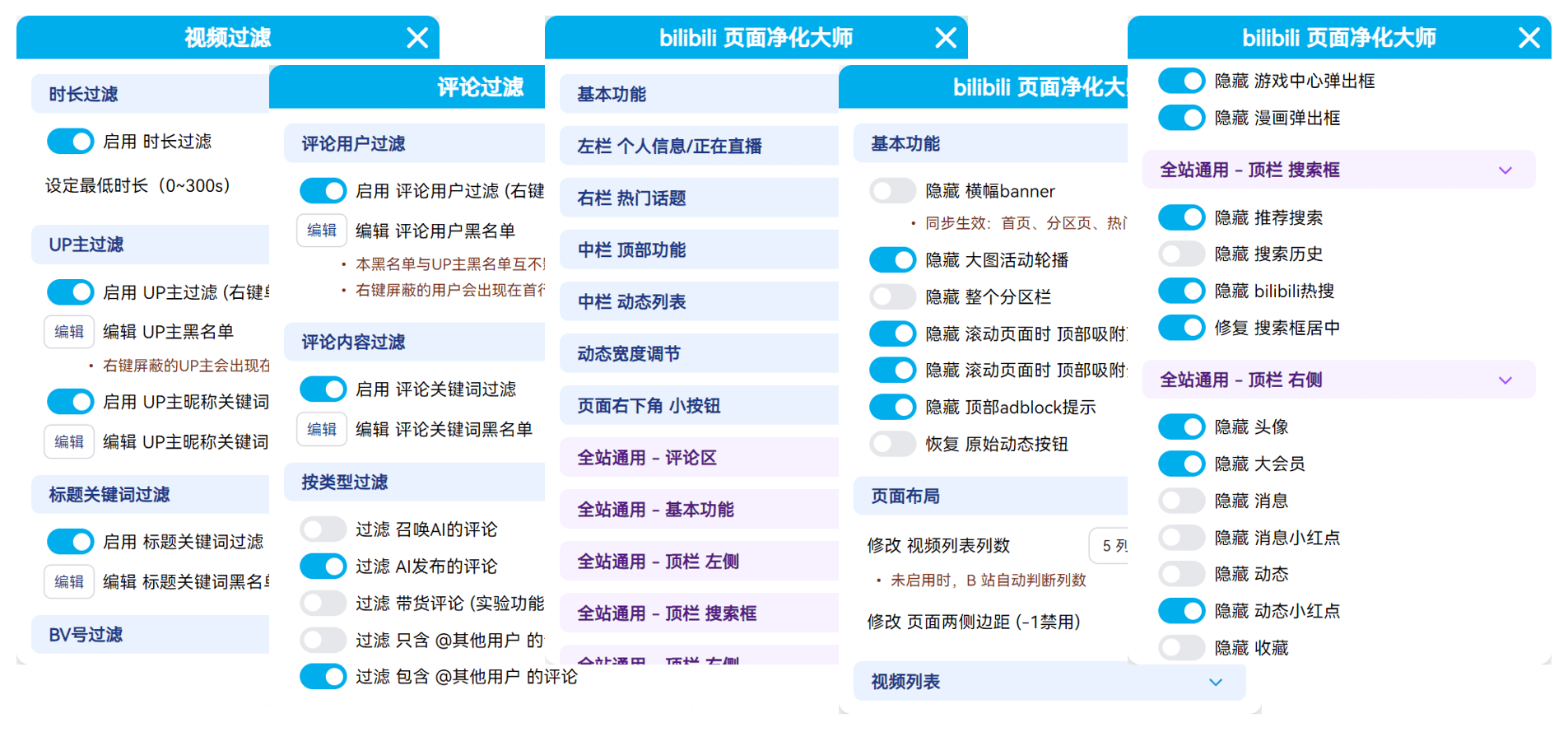
主要功能:页面净化优化、视频/评论/动态过滤
页面净化优化:净化顶栏、视频列表、播放器、评论区等,去除无用元素,优化部分功能
视频过滤:根据时长、UP 主、标题关键词、BV 号等筛选视频推荐
评论过滤:根据用户名、关键词、评论类型、用户等级筛选评论
动态过滤:根据用户名、视频标题等筛选动态
注意事项
如果启用了大量功能、或屏蔽了大量内容,请定期备份
更换电脑或浏览器务必备份,备份方法
使用方法
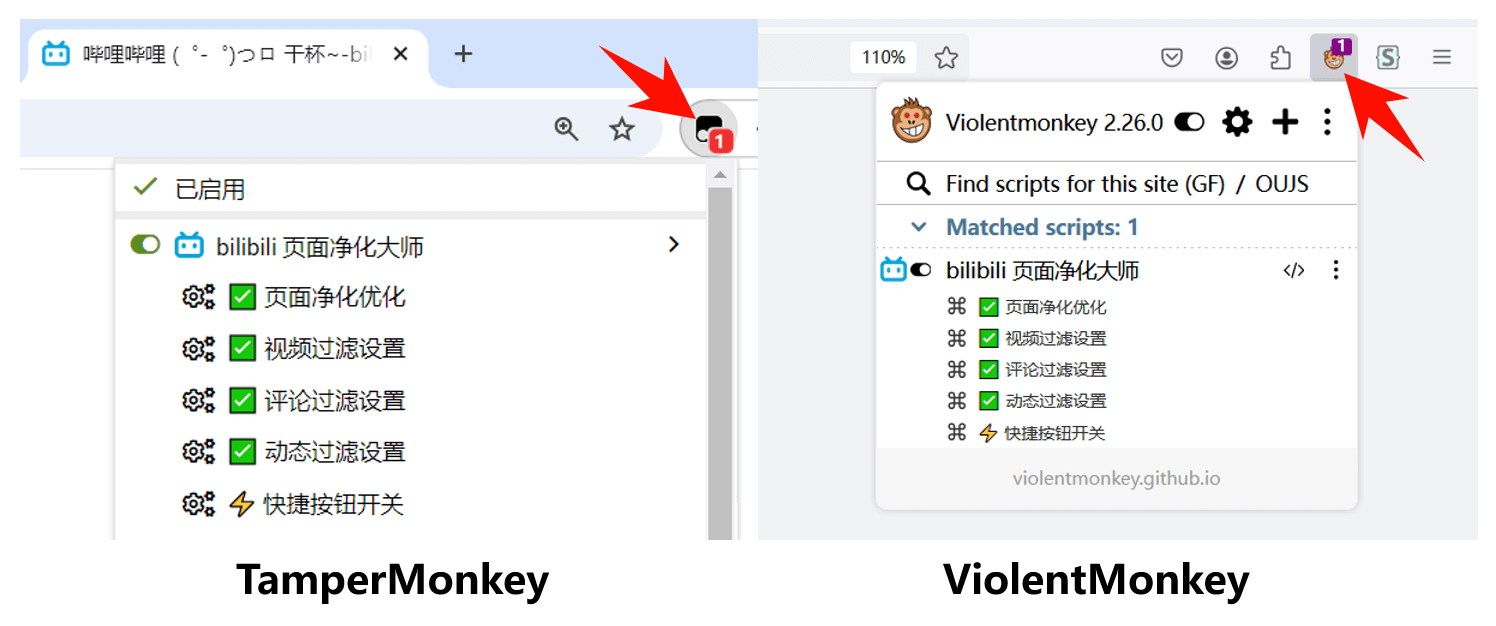
重要:下列页面均有独立菜单,不同页面菜单不同,请在相应页面打开菜单进行设置
页面净化优化:「首页、播放页、番剧播放页、直播间、搜索页、动态页、热门页、分区页」
视频过滤:「首页、播放页、搜索页、热门页、分区页、空间页」
评论过滤:「播放页、番剧播放页、动态页、空间页」
动态过滤:「动态页」
快捷按钮: 显示在页面侧栏的快捷组件,需手动启用
净化效果 (webp动图)



Note: 96.6