What Is a Userscript? A Beginner-Friendly Guide to Tampermonkey Scripts
· by Youhou8
A plain-language guide to userscripts, Tampermonkey, and how browser scripts can improve everyday web browsing.
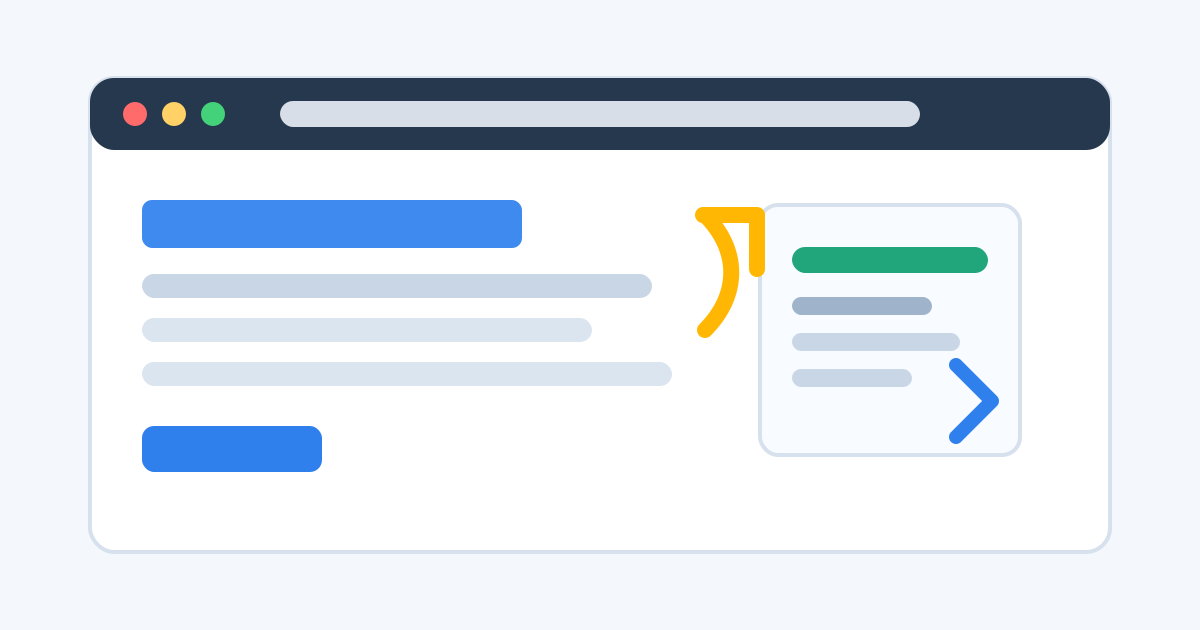
A userscript is a small browser tool that runs on selected websites. It can add buttons, change page behavior, clean up layouts, automate repetitive actions, or make common workflows faster.
The idea is simple: the browser loads a page, Tampermonkey checks whether a script should run on that page, and the script applies its feature.
How Tampermonkey fits in
Tampermonkey is a userscript manager. It does not usually provide the feature by itself. Instead, it installs, updates, enables, disables, and runs userscripts.
A practical way to think about it:
- Tampermonkey manages scripts.
- The userscript provides the feature.
- The browser displays the website.
When userscripts are useful
Userscripts are best for small, focused browser improvements. They are useful when a website is almost good enough, but a repeated action still wastes time.
Typical examples include adding shortcut buttons, formatting information, opening hidden sections, converting links, or improving pages you use every day.
What beginners should check first
Before installing a script, check its source, update history, requested permissions, supported websites, and user feedback. A script that asks for broad permissions without a clear reason deserves extra caution.
Summary
Userscripts are not a replacement for full browser extensions, but they are excellent for targeted web improvements. Once you understand the difference between a userscript and a userscript manager, choosing the right script becomes much easier.