max / DVR-chan – Force Enable YouTube DVR/Rewind (formerly YTBetter)
Install steps: Install a userscript manager, select Install, then open a website matched by the script.
كيفية استخدام برنامج Userscript للمبتدئين Chrome Edge Firefox
Source and freshness
The following figures come from the original source and are separate from activity on this site.
Original script: DVR-chan – 强制启用 YouTube DVR/Rewind(原 YTBetter)
Source version: 4.1
Last source check:
Last successful check:
- Source daily installs
- 0
- Source total installs
- 0
- OpenUserJS install requests
- 0
Requests received by this site are not proof that a user completed installation.
Clicking Install records a request on this site; it does not confirm installation. Not working after install? View troubleshooting and issues
功能介绍
YouTube 允许主播关闭 DVR 功能,即观众在直播期间回看和定位的能力。DVR-chan 在 YouTube 播放器读取配置之前拦截播放器配置,并在不受主播设置影响的情况下重新启用定位功能。
本脚本还取消了 YouTube 对回看时长的内部限制。默认限制为 12 小时;使用 DVR-chan 后可达 7 天。这是上限而非保证——您只能回看到直播实际开始的时间点。
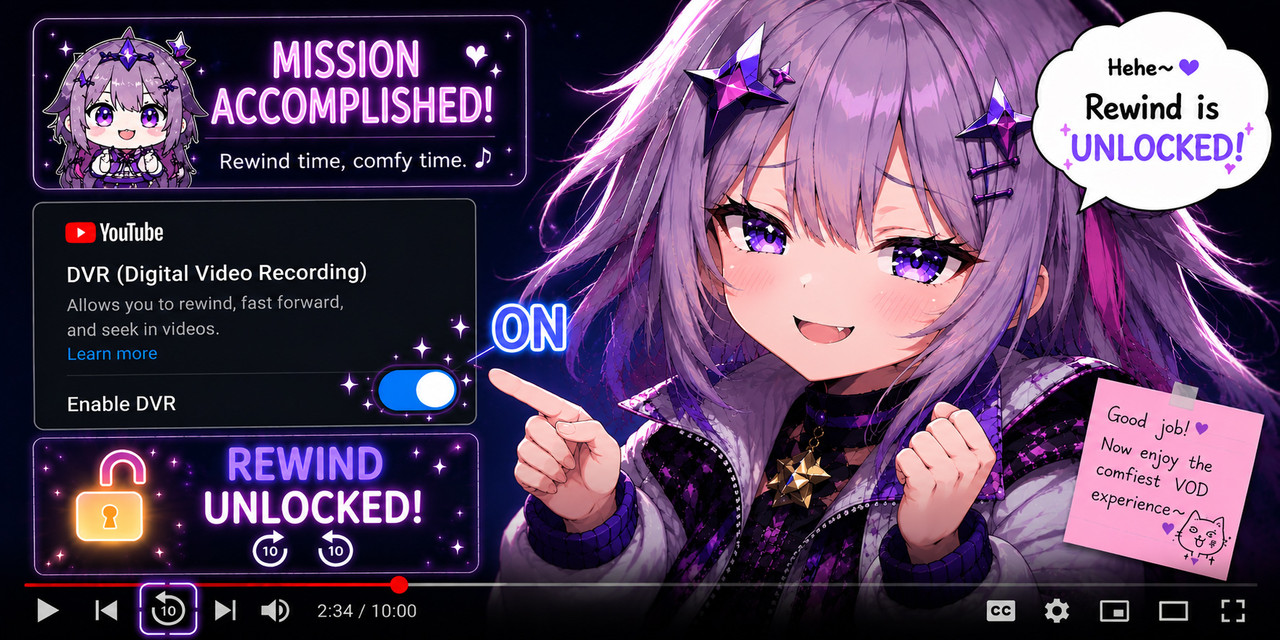
工作原理
YouTube 通过 playerResponse JSON 对象传递直播权限。DVR-chan 在两个拦截点进行修补——首次加载时的页面全局变量,以及后续页内导航的 JSON.parse——从而覆盖所有直播,同时不修改 Object.prototype。(修改 Object.prototype 的旧脚本会导致所有人的 YouTube 评论区失效。)
注意事项
- 对已结束的 VOD 和普通视频无效,仅对正在进行的直播有效
- 适用于
youtube.com和m.youtube.com - 无需特殊权限
التقييم: 0